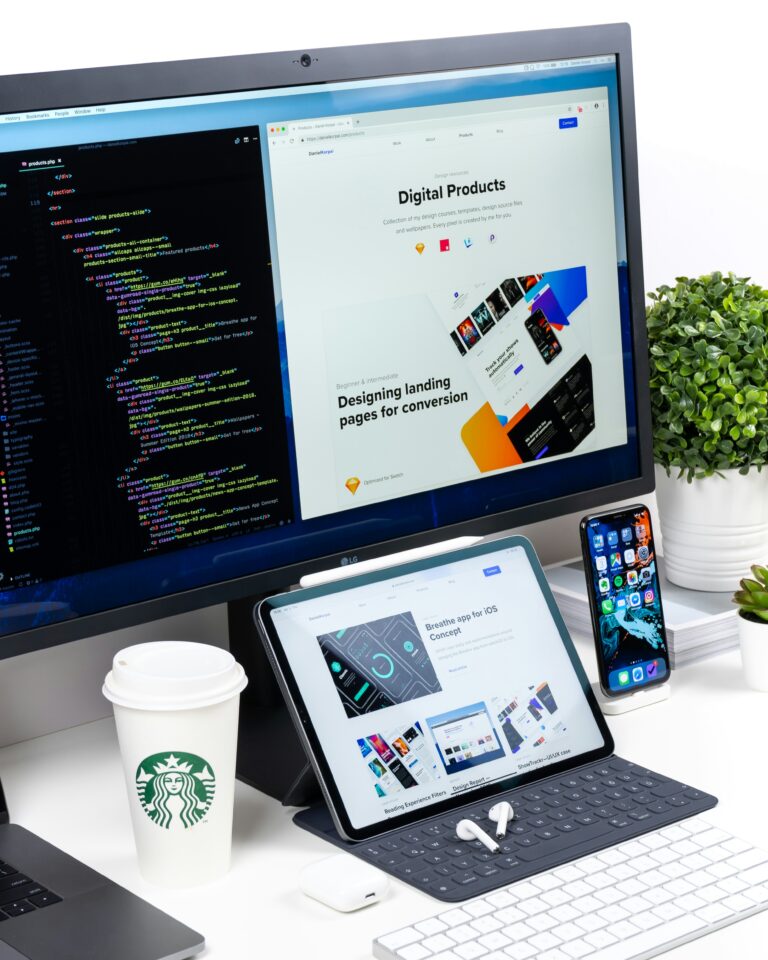
Your website might be attracting visitors, but are those visitors becoming customers?
A website can look visually impressive and still fail to generate enquiries. Sometimes the problem is not the product or service itself. It is the experience visitors have while trying to understand your business, find information, or contact your team.
Website design influences how easily people navigate your pages, interpret your message, and decide what to do next. Small usability problems can create unnecessary friction, especially when visitors have several alternatives available.
Here are seven common website design mistakes businesses should avoid.
1. An Unclear Homepage Message
When visitors land on your homepage, they should quickly understand what your business does and whom it serves.
A vague headline such as “Creating Tomorrow’s Possibilities” might sound impressive, but it does not explain what the company offers. If visitors cannot understand your business within a few moments, they may leave to find a clearer alternative.
Use straightforward language to communicate your core offering and its value.
For example, a packaging design agency could state that it creates packaging and label designs for consumer product brands. A website development company could explain the types of websites it builds and the businesses it serves.
Creative language can support the message, but it should not replace clarity.
2. Poor Mobile Experience
A website that works well on a desktop computer may become frustrating on a mobile phone.
Text can become too small, buttons difficult to tap, images poorly cropped, and navigation unnecessarily complicated. Large files may also load slowly on weaker connections.
Responsive website design adapts content and layouts to different screen sizes.
Before launching, test important pages on mobile devices. Check whether menus work, forms are easy to complete, text remains readable, and key actions are visible without excessive scrolling.
Do not assume that a website is mobile-friendly simply because its desktop layout has been scaled down.
3. Too Much Information on One Page
Businesses sometimes try to communicate every service, feature, achievement, and company detail on the homepage.
The result can be a crowded page with competing messages and no clear priority.
Organise content around the questions visitors are most likely to ask. Start with the main offering, explain the important benefits, provide evidence where appropriate, and guide visitors towards relevant service pages or contact options.
If your business offers several services, give each major service enough space to explain what it includes, who it is for, and how customers can get started.
A well-structured website makes information easier to find without overwhelming visitors.
4. Weak Calls to Action
A visitor may be interested in your services but still leave if the next step is unclear.
Every important page should have a relevant action. Depending on the business, this could be requesting a quotation, booking a consultation, viewing a portfolio, calling the team, or purchasing a product.
Use descriptive wording instead of generic labels wherever possible.
For example, “Request a Packaging Design Quote” gives visitors a clearer expectation than “Click Here.”
Calls to action should be easy to identify without overwhelming the page. Repeating too many competing buttons can make it harder for visitors to decide what to do.
5. Slow Loading Pages
Page speed affects the experience visitors have when browsing your website.
Large images, unnecessary scripts, inefficient code, poor hosting, and excessive third-party tools can contribute to slow performance.
Image optimisation is a useful starting point. Use appropriate image dimensions and file formats, compress files carefully, and avoid loading resources that the page does not need.
Technical performance should be measured rather than judged by appearance alone. Tools such as Google PageSpeed Insights can help identify issues affecting loading speed, responsiveness, and visual stability.
Improving performance can support usability and search visibility, although results depend on the wider website and competitive environment.
6. Inconsistent Branding
Your website should feel like the same brand customers encounter on your social media, packaging, brochures, and advertisements.
If the logo, colours, typography, and communication style change randomly between platforms, the business can appear fragmented.
A consistent visual system makes the website more recognisable and gives visitors a clearer sense of the brand’s personality.
This is especially important for businesses investing in professional branding services. The website should apply the identity correctly rather than introduce an unrelated visual direction.
7. Ignoring Website Content and SEO
Good design cannot compensate for missing or unhelpful information.
Visitors need clear service descriptions, accurate business details, relevant examples, and answers to common questions. Search engines also need to understand what each page covers.
Use descriptive page titles, useful headings, natural keyword placement, logical internal links, and unique content for important services.
Avoid creating multiple pages with nearly identical text just to target different search phrases. Each page should provide a distinct reason to exist.
For local businesses, accurate contact information and relevant service-area details can help customers understand where the business operates.
How to Improve Your Website
Start by reviewing your website from the customer’s perspective.
Can someone understand your offering quickly? Can they find the information they need? Does the site work comfortably on a phone? Are the contact details accurate? Is the next step clear?
Review website analytics and actual user feedback to identify where improvements may have the greatest effect. Prioritise problems that block important tasks before investing in decorative changes.
Mark Studio offers website design and development alongside branding and creative services, helping businesses build a more consistent online presence.
Conclusion
A good business website should look professional, communicate clearly, load reliably, and make it easy for visitors to take action. Fixing common website design mistakes can improve the customer experience and help your digital presence work more effectively.